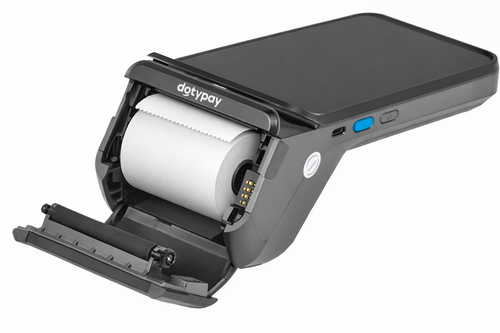
1.Open the printer cover by lifting the cover on the top of the device. Ideally, grasp it with two fingers at the recesses on the sides and tilt it open as shown in the picture.
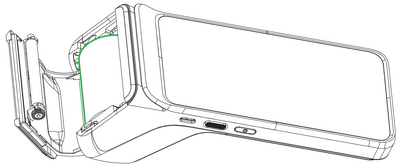
2.Insert the roll of thermal paper into the compartment as shown in the picture below.
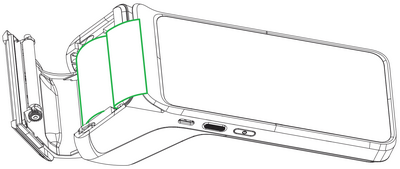
3.Pull out the paper so that it protrudes slightly from the device.
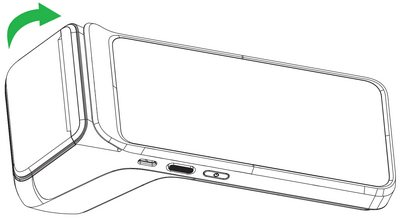
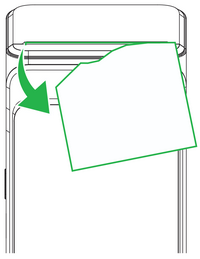
4.Now close the cover. Press both upper corners of the cover simultaneously so that they click into the correct position.
5.Tear off any excess paper if necessary.
 |
 |
 |
Paper specifications
Color: |
white |
Width: |
57 mm |
Roll diameter: |
40 mm |
Length: |
approx. 18 m |
|
If thermal paper is inserted and the printer does not print, check that it is inserted and oriented correctly. The thermal-sensitive layer must exit the printer facing the display. |

