» Available only in Dotypos FULL and higher. « |
|---|
A simple report that displays the total sale amounts of items charged for distribution. For more information, please see the chapter Special table for delivery.
|
First, select a shift or time period to view the report. |

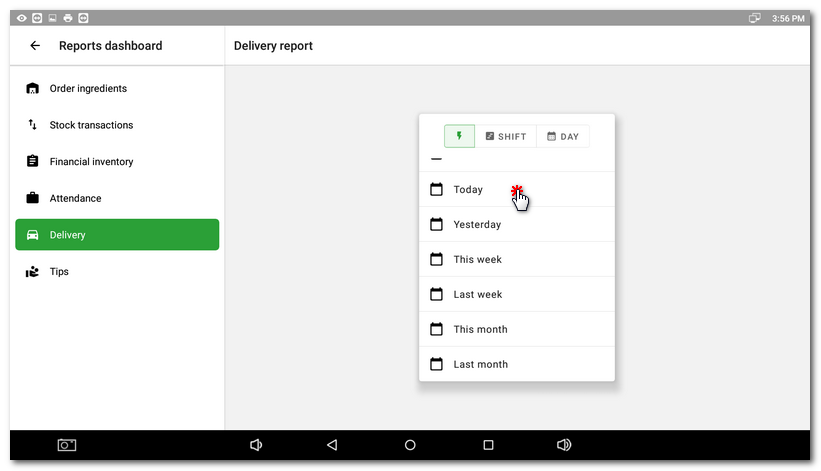
|
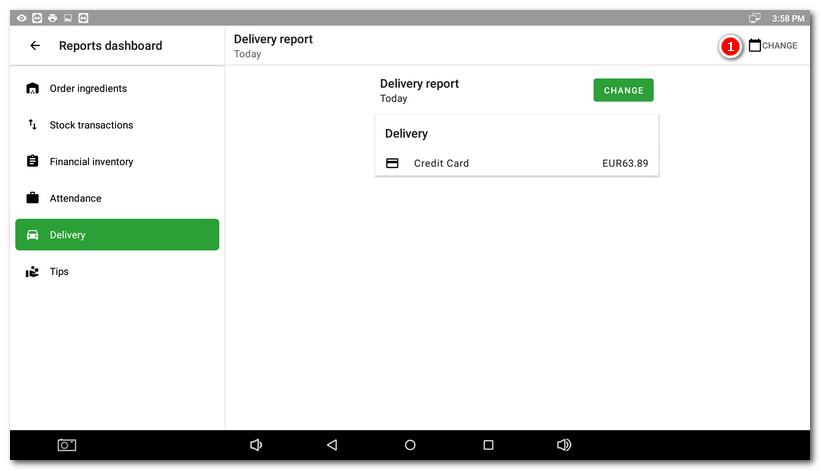
The total amount and payment methods used for all orders parked on the special delivery table for the selected period or shift will be displayed. Use the button |

 to go back to the period / shift selection.