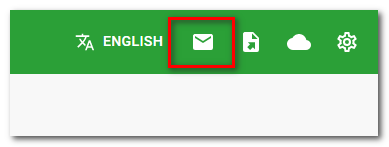
In the upper bar of the Dotypos Cloud web interface you find the notification icon about any new messages from Dotypos. The messages you receive may concern unsettled invoices or important business and technical information. The messages about unsettled invoices are also displayed directly on the touch cash register display as a one-shot notification.
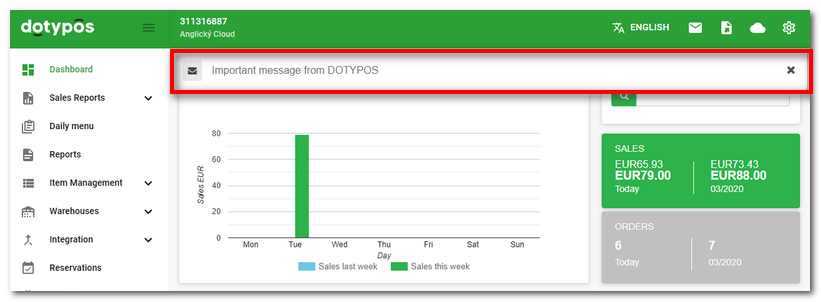
Once you receive a new message, the envelope icon in the upper bar changes its color and displays the number of unread messages. At the same time you will also see a yellow stripe with the information about the new message. You may hide the communication by clicking on the cross.
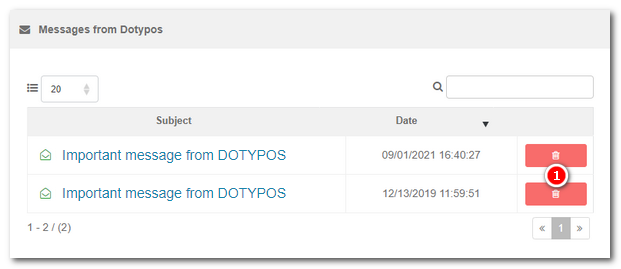
Click on the envelope icon to display any unread messages. The message itself can be displayed by clicking on it in the message overview.Press  to permanently delete the message.