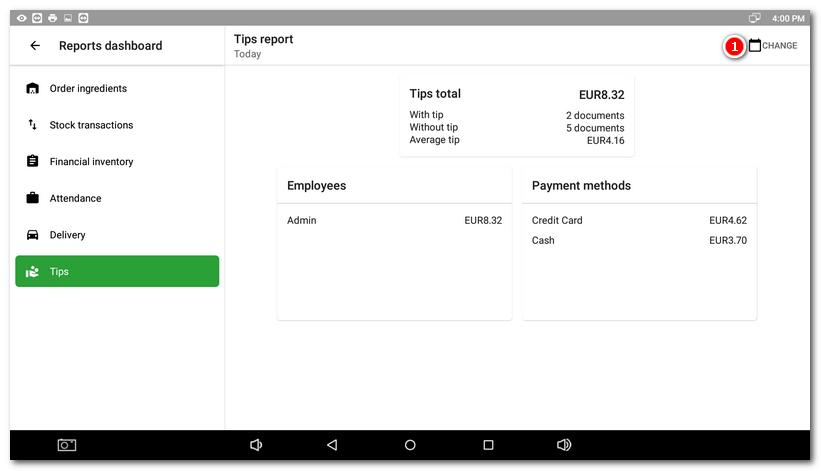
A report showing, for the period or shift, the total amount of tips provided, including the payment methods used and the employee enrolled. For more information on tipping, see Smart tip chapter.
|
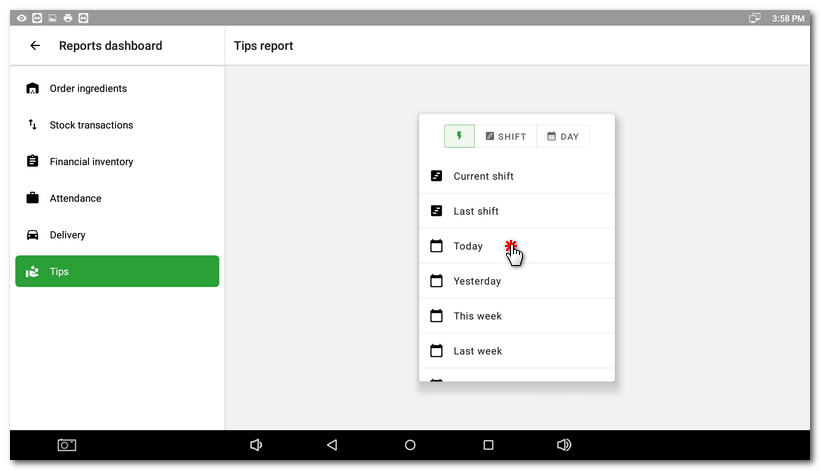
First, select a shift or time period to view the report. |

|
The total amount and payment methods used for the selected period or shift will be displayed. Use the button |

 to return to the period / shift selection.