On the Reports » Saved tab you can find all saved data reports.
|
Once you have set up any report according to your preferences, use the button |

 in the header to save it under any name and description.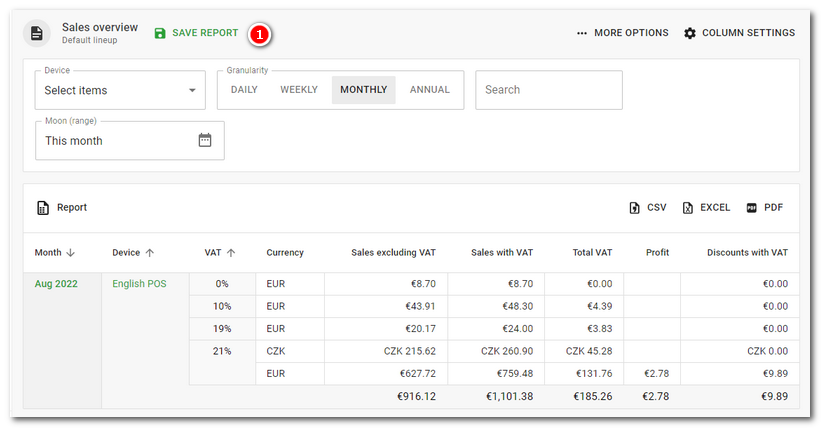
|
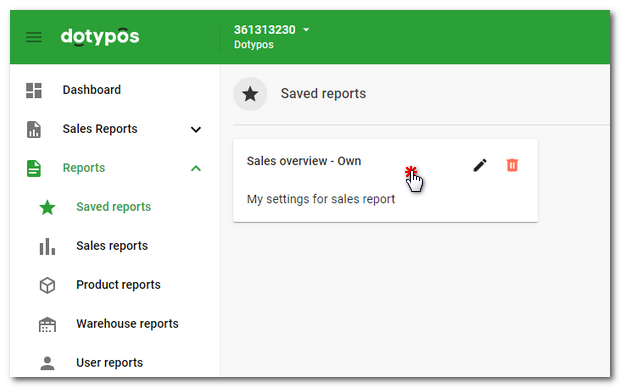
When you want to use a saved report, you can find it under the Saved tab and tap to open it. Use the icons to edit the name and description or delete the saved report. You can also edit information or delete a saved report by clicking the three dots icon in the header next to the report name when you open the report. |

|
Each saved report automatically displays the current data based on the selected period in the report. Therefore, if you set the report calendar in the quick selection This month, the next month will display data from the current month and not the previous month. |

