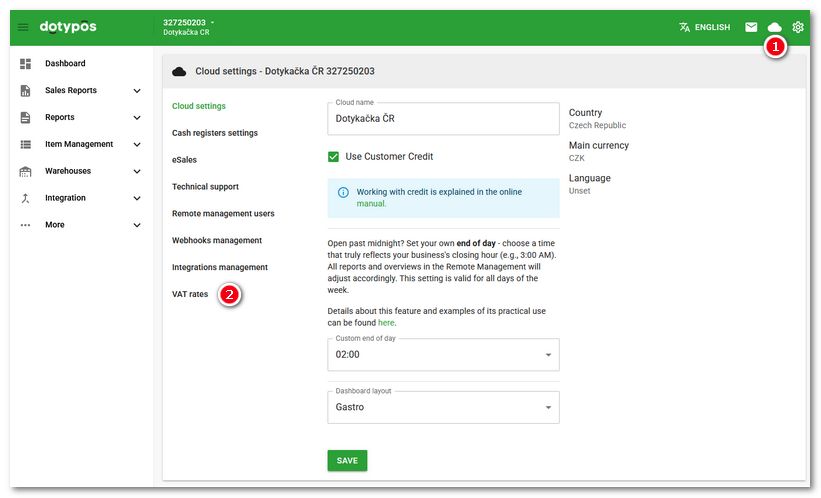
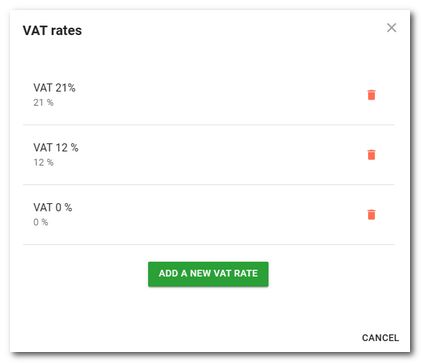
Clicking the VAT Rates  item in the left tab panel in Cloud Settings displays a dialog where you can enter or delete the VAT rates used by the cash register. You assign these rates to products and categories. They are also used at the cash register in immediate sale mode.
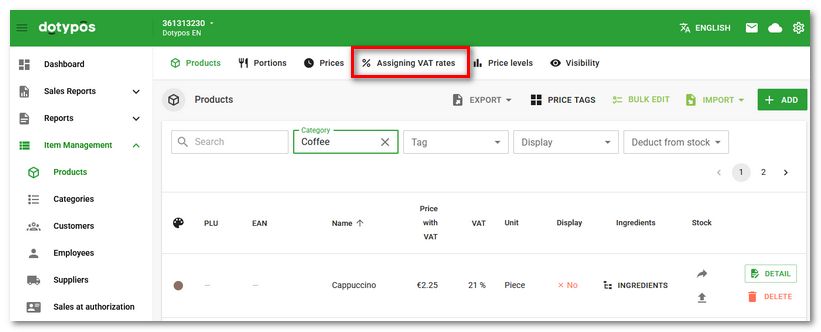
Bulk assignment of a specific VAT rate to products is possible in the product list using the Assigning VAT rates option in the top panel. The entire procedure is described in the chapter Assigning VAT rates.