
How do I set the cash stocktake report?
|
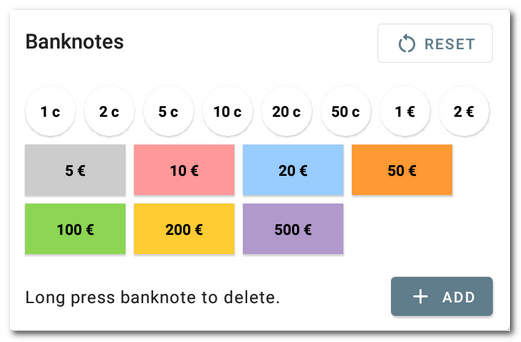
First, you need to enable the stocktake report in the Application settings under Cash register » Open/close. Then specify which values of coins and banknotes you want to include in the statement. If you add an additional (foreign) currency, set the notes and coins for that currency as well. However, for the most commonly used currencies, the cash register already has notes and coins ready. |

|
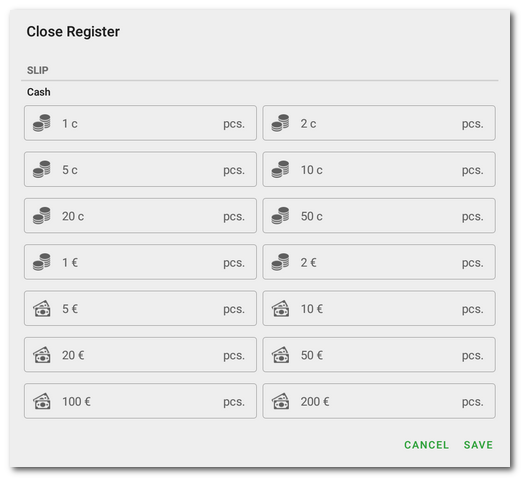
Now the cash stocktake report will display a list of coins and notes every time the cash register is opened or closed. In the assigned field, for each value enter the actual quantity present in the cash register. After saving, the total amount obtained by summing the entered banknotes and coins. |

|
The cash stocktake report will also help you to keep track of your meal vouchers. Just add Meal Vouchers in the payment methods settings and set different values of meal vouchers as Banknotes. You will then see these values in the stocktake report when you close the cash register and you can enter the number of individual vouchers in the cash register. |

