

Tap to mark the receipt as non-fiscalized. It will therefore not be sent to the Financial Administration servers within the EET 2.0 electronic sales registration. The following information will be displayed in the footer of the payment dialog:
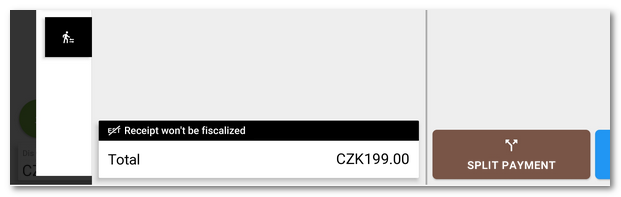
This option is available if the Allow issuing non-fiscal receipts option is enabled in the EET 2.0 settings. An order that was left non-fiscalized by mistake or due to a technical error can be fiscalized later in the History.