Money logs
Clicking on tab Sales Reports » Money-logs display an overview of all cash movements for the selected period. This is a summary of the total sales with a differentiation by type of payments received. When you click on the report, you will actually be redirected to the Sales report Overview of money movements that the report presents. For a description of how to work with the report, refer to the previous chapter Sales. For a description of how to work with the report, see the previous chapter Sales or Issued receipts.
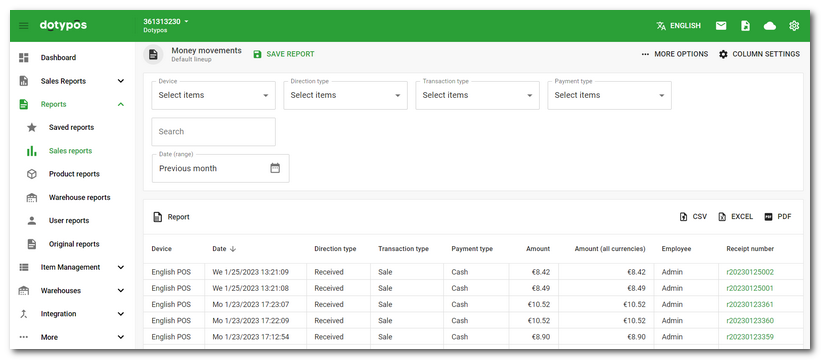
Clicking on the receipt number in the column of the same name  will display the detail of the receipt.