Shifts
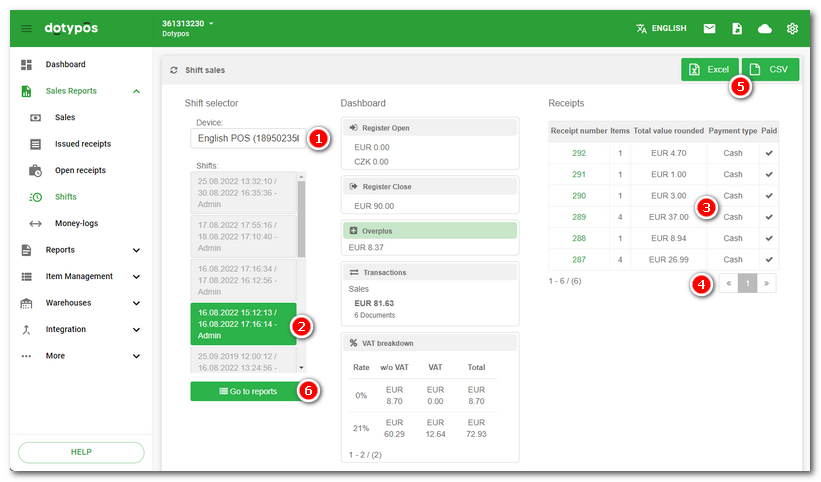
Click on the tab Sales Reports » Shifts to see Shifts data report, which displays an overview of closed shifts with a link to the cash register closing date. By shift we mean the interval between the opening of the cash register and its closing. For a description of how to work with the report, see the previous chapter Sales or Issued receipts.
•You can filter the displayed data or search within them using the options in the header  .
.
•You can export the data in the report to a file or save the entire report with active filters and custom columns  .
.
•Using the COLUMNS  option, you define which information should be displayed in the report. Here you can also enable a custom end of day.
•By clicking the DETAIL  button, you display the cash register closure related to the given shift.
|
If you are using multiple currencies, the information in each shift reports will be split according to these currencies. |