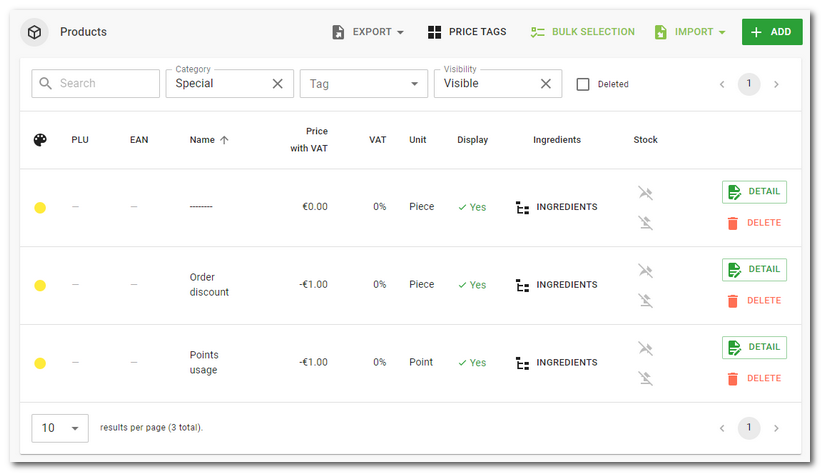
In addition to ordinary products (sale items), in Dotypos you can also create so-called special products with specific functions. These products are marked with an asterisk to distinguished them from ordinary sale items, and they can either be created directly in the cash register or in Dotypos Cloud.
Detailed information on these products can be found in this chapter, where you can also find how to create them in the cash register. And below you will find how to create them in Dotypos Cloud.
How to create a special product?
|
A special product can be created the same way as an ordinary product, with the button + Add in Item management » Products. A page with the new product preferences appears. Now in the heading click on the button CREATE SPECIAL PRODUCT. |

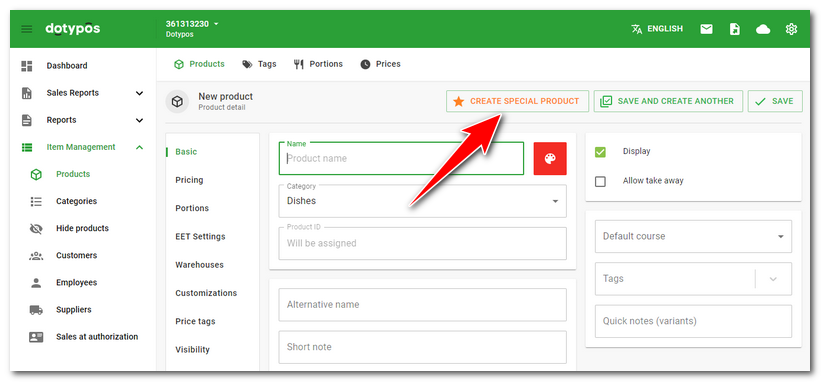
|
In the next step, select the category in which the special product will be created and use the appropriate button to create it. |

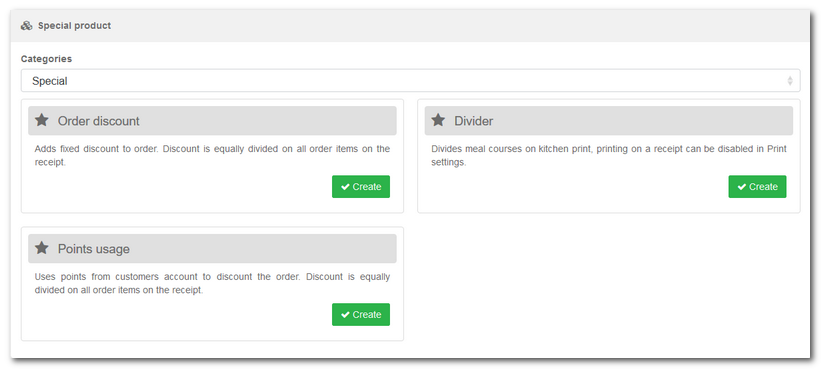
The product will be created in the given category. Special products always have a yellow color set by default.